Application Upgrades
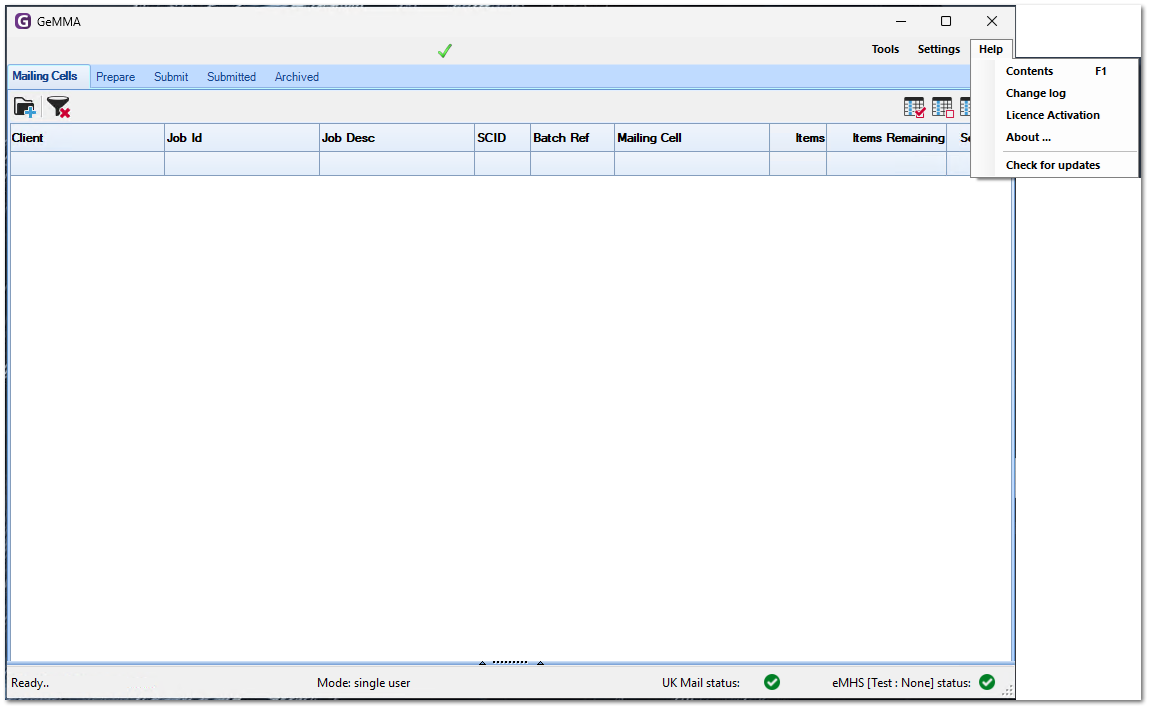
GeMMA will check for application upgrades daily, if an upgrade is found it will be downloaded and applied the next time GeMMA is launched. Upgrades can also be applied manually by clicking 'Help > Check For Updates'.
 |
To apply upgrades access to https://updates.thesoftwarebureau.com (Public IP 3.8.228.18) is needed . To route https traffic via a proxy see Proxy Server.
For installations that have no internet access due to security restrictions upgrades can also be applied locally by manually downloading the upgrade files from an unrestricted machine. Please contact support for further instructions and to be added to the relevant upgrade email subscriber list.
|
Applying Upgrades
-
Check for an Update:
Click 'Help' and then 'Check for updates'.
2. If an update is detected it will be downloaded automatically.

3. When completed a status is displayed. By right clicking the Update Status Area a menu is displayed allowing you to Install update now or to view changes.

4. When GeMMA is next launched the update will be applied.